
The camera installer finished around noon. By 3 p.m. the homeowner noticed Netflix was stuttering. By the following week, they’d learned their new cameras were sitting on the same flat network as every laptop, phone, and smart TV in the house. Nobody mentioned any of that during the quote.
This is the normal outcome when surveillance gets treated as a hardware problem instead of a systems problem. Mount the cameras, run the cable, hand over the app login. Job done. Except the network just changed in ways that matter, and nobody planned for it.
The traffic problem nobody quotes for
A four-camera system recording 1080p continuously pushes somewhere between 8 and 16 Mbps of sustained LAN traffic, depending on codec and motion sensitivity. Bump to 4K or add more cameras and that number climbs fast. That traffic doesn’t disappear into the cloud. It has to travel across your local network to wherever it’s being recorded, and if your Wi-Fi access point or router wasn’t sized for that background load, everything else on the network feels it.
The fix isn’t a faster internet plan. The fix is understanding what the cameras are actually doing to the LAN and routing that traffic intentionally.
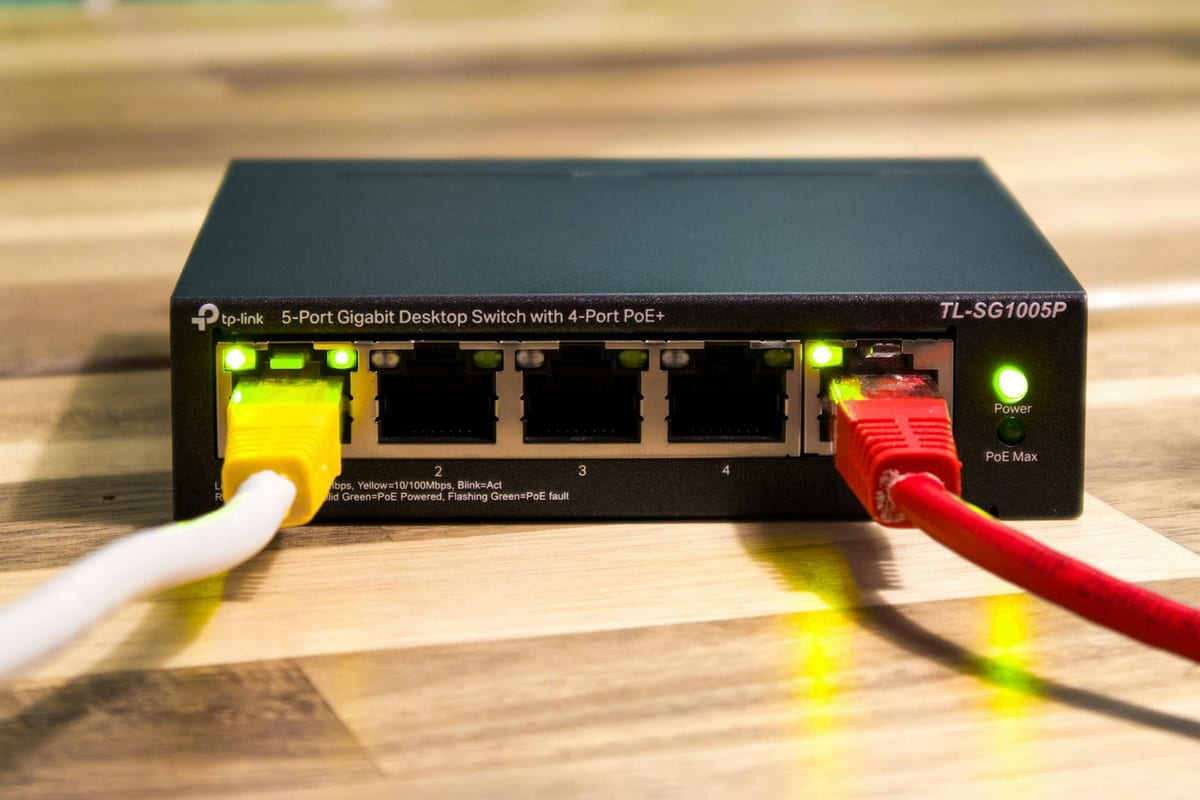
Wired cameras on a dedicated PoE switch solve most of this. A UniFi Switch Lite 8 PoE runs around $109 and powers up to four cameras cleanly on its 52W budget. Larger installs need a switch with a higher PoE wattage budget; the math is simple: add up each camera’s wattage draw, add 20% headroom, buy accordingly. Running that switch on its own network segment keeps camera traffic off the same broadcast domain as the rest of the house.
VLANs are not an enterprise luxury
A VLAN is just a way to tell the network that certain devices belong in their own lane. Cameras go on one VLAN. Laptops and phones on another. IoT devices (thermostats, door locks, smart bulbs) on a third. The router enforces what can talk to what.
Why does this matter for cameras specifically? Two reasons.
First, most IP cameras ship with weak default credentials and firmware that doesn’t get updated. Putting them on a flat network means a compromised camera can see everything else. On a segmented VLAN with an outbound-only firewall rule, a compromised camera can see nothing except the NVR it’s supposed to talk to.
Second, camera vendors have a mixed record on cloud privacy. A VLAN rule that blocks cameras from reaching the internet entirely is a one-line firewall entry in UniFi or pfSense. The cameras still record. The NVR still works. The footage just doesn’t leave the property.
This is not complicated to set up if you already understand how the gear works. It is invisible to a camera-only installer who doesn’t touch the network.
Where the footage actually lives
Cloud-dependent NVRs are a subscription waiting to happen. The camera brand gets acquired, the cloud service changes pricing, or the servers go down during the week you actually need the footage. Self-hosted recording avoids all of that.
UniFi Protect running on a Cloud Gateway Ultra or a dedicated UNVR is the setup that makes the most sense for most residential and small-commercial jobs in this area. The hardware is in the $200 to $500 range depending on channel count and storage, the interface is clean, and the whole system runs locally with no monthly fee. Footage stays on-site. Remote access works through UniFi’s encrypted tunnel without punching holes in the firewall.
For homeowners who want to go further, Home Assistant can pull camera feeds and tie them to other automations (a doorbell press that turns on exterior lights and sends a snapshot, for example). That’s a longer conversation, but it starts with having a network that’s structured enough to support it.
Replanning Wi-Fi around the new load
Wired cameras on a PoE switch don’t stress the wireless network at all. That’s the right answer for most installs. But sometimes a camera location genuinely can’t be wired, and sometimes the homeowner already has wireless cameras they’re keeping.
In that case, the access point placement matters. A camera streaming continuously to an AP that’s also serving a home office is going to cause problems if the AP is already near capacity. The right move is to survey the existing wireless coverage before the cameras go in, identify whether the AP handling that zone has headroom, and either reposition it or add a dedicated AP for the camera zone.
UniFi access points make this straightforward because the controller shows per-AP client counts and utilization. A U6 Lite at $99 covering a garage or back yard, dedicated to cameras and outdoor IoT devices, keeps that traffic completely separate from the main living-space network.
What one shop seeing the whole stack actually looks like
The quote conversation for a camera job at LTP covers mounting locations, cable runs, and PoE switch sizing. It also covers what VLAN the cameras will land on, whether the existing router can enforce that segmentation (and if not, what replaces it), where the NVR will live, and whether any access point needs to move or be added.
That’s not upselling networking onto a camera job. That’s doing the camera job correctly. The homeowner ends up with footage that’s actually accessible when they need it, a network that runs the same as before the cameras went in, and devices that aren’t sitting exposed on a flat network.
The installer who only does cameras can’t offer that. Not because they’re cutting corners, but because they’re only looking at part of the job.
